What Portfolio Plate is for
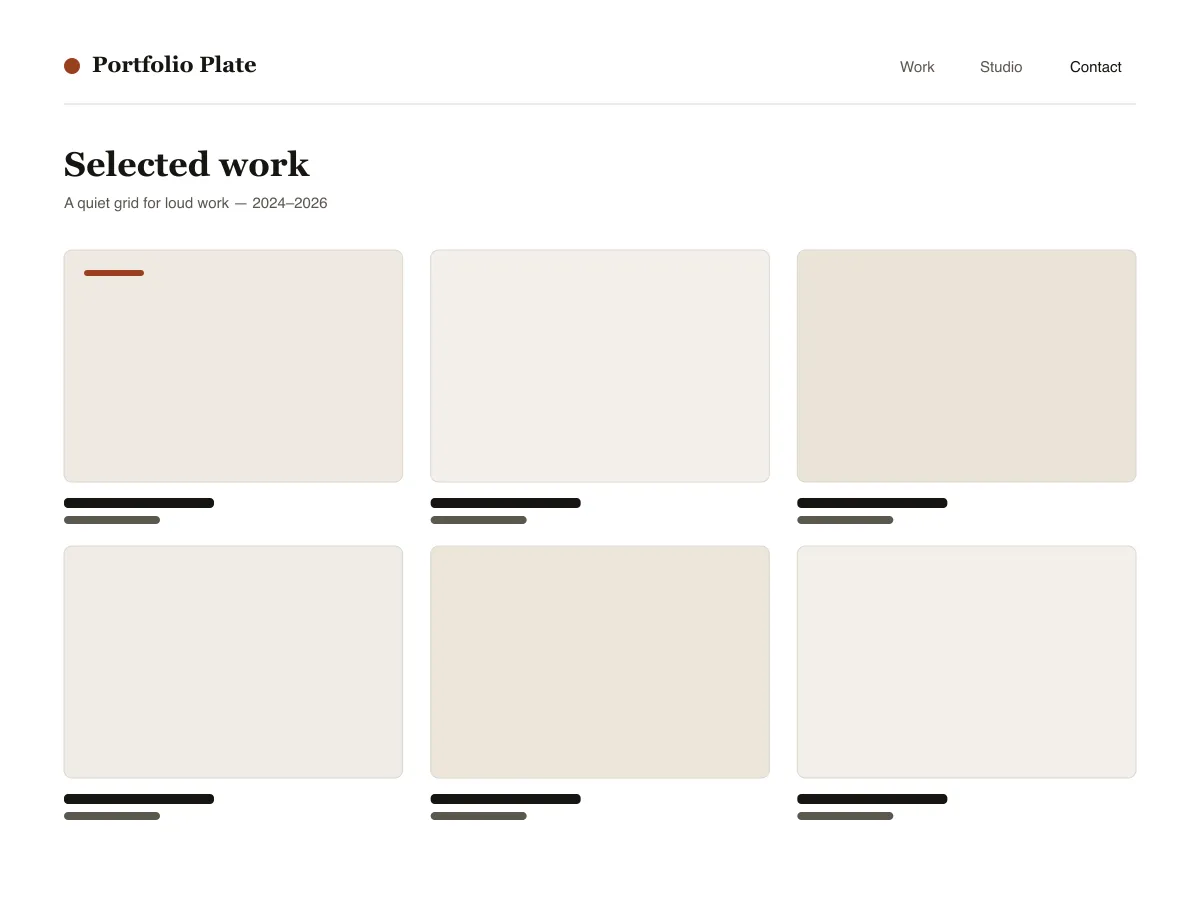
Portfolio Plate is a block theme for showing visual work. Each project is an ordinary post with a featured image: the home and archive pages show those images as a grid of 4:3 tiles that reflows from three columns to one as the screen narrows, and the single-post template shows the image wide, at its own proportions, followed by the text.
Under each project image sits a row of three facts — the date, the category (used as the discipline) and the tags — and previous/next links let visitors move through the work without returning to the grid.
Typography uses system fonts on a six-step fluid scale. The theme ships a dark style variation called Noir and three duotone filters (Ink, Clay and Slate) for making mixed photography look like one set.
Who it suits
Designers, illustrators, photographers and small studios who want their work to fill the screen, and who are happy to publish projects as normal WordPress posts.
ما الذي يضمّه Portfolio Plate
- شبكة مشاريع ذاتية التلاؤم: يستخدم post-template تخطيط الشبكة في theme.json بعمود أدنى عرضه 30rem، فتظهر الأعمال ثلاثة في الصف ثم اثنين ثم واحدًا دون أي media query واحد.
- قالب تفاصيل المشروع مصمَّم للصور الكبيرة: صورة بارزة بعرض alignwide تُعرض بنسبتها الطبيعية (دون فرض اقتصاص)، وصف من ثلاثة أعمدة لحقائق المشروع (تاريخ النشر / التخصّص / الوسوم)، وتنقّل إلى المشروع السابق/التالي.
- طباعة انسيابية من دوال clamp في theme.json (ست درجات، من الصغير إلى العرض) على مجموعات خطوط النظام فقط — خط بذيول (serif) للعناوين، وخط سانس محايد للواجهة والبيانات الوصفية. صفر طلبات خطوط خارجية أو من CDN.
- تنويعة نمط داكن Noir مُرفقة (styles/noir.json) بالإضافة إلى ثلاثة إعدادات ثنائية اللون جاهزة (Ink وClay وSlate) لتوحيد معارض الصور متعدّدة المصادر بنقرة واحدة.
- إمكانية الوصول: كل زوج ألوان يجتاز WCAG AA، وحلقة :focus-visible مرئية على جميع العناصر التفاعلية، ورابط تخطٍّ منسَّق، ومعالم دلالية header/main/footer عبر خاصية tagName لأجزاء القوالب.
- Three block styles registered with inline_style so their CSS only ships when used: Framed image, Panel group, Underline on hover for post titles.
Portfolio Plate at a glance
- Theme type
- Block theme (edited in the Site Editor)
- Current version
- 1.0.0
- First published
- 14 يوليو 2026
- Requires WordPress
- 6.6
- Tested up to WordPress
- 6.8
- Requires PHP
- 7.4
Requirements come from the theme's own style.css. Checked on 28 أكتوبر 2026.
Good to know before you install
- This theme is downloaded from this site, not from the WordPress.org directory, so WordPress will not show an update notice for it. Check this page for new versions.
- There is no separate “project” post type; projects are standard posts, so they also appear in your RSS feed.
- Grid tiles crop featured images to 4:3. The single-post page shows the full image uncropped.
الخطوات التالية
أدوات مجانية لإعداد موقعك
مولّد theme.json لـ WordPress
أنشئ ملف theme.json صالحًا — واعرف أي نصف منه يغيّر موقعك فعلًا.
افتح الأداةمختبر مقاسات الصور في ووردبريس
أفلِت صورة. شاهد كل نسخة سيصنعها ووردبريس منها.
افتح الأداةمولّد ملف .htaccess لووردبريس
القواعد التي يحتاجها ووردبريس، بالإضافة إلى قواعد التحصين التي لا تأتي معه افتراضيًا
افتح الأداةذات صلة
قوالب أخرى قد تعجبك
الأسئلة الشائعة
أسئلة عن Portfolio Plate
What does Portfolio Plate need to run?
WordPress 6.6 or later and PHP 7.4 or later, according to its style.css, which also says it was tested up to WordPress 6.8. The current version is 1.0.0.
How do I add a project to Portfolio Plate?
Publish a normal post, set a featured image, give it a category (shown as the discipline) and tags. The post appears in the grid on the homepage and archives, and its own page uses the project layout.
Will Portfolio Plate crop my images?
In the grid, yes: tiles use a 4:3 aspect ratio. On the project page the featured image is shown wide at its natural ratio, without cropping.
Is there a dark version of Portfolio Plate?
Yes. Appearance → Editor → Styles lists the bundled Noir variation. Selecting it switches the whole site to a dark palette; there is no automatic switch based on the visitor's system setting.
Can I remove the Portfolio Plate footer credit?
Yes. Edit the Footer template part under Appearance → Editor → Patterns, delete the credit paragraph and save. Nothing depends on it.