Portfolio Plateقالب نمونهکار رایگان WordPress
شبکهای آرام برای کارهای پرسروصدا.
What Portfolio Plate is for
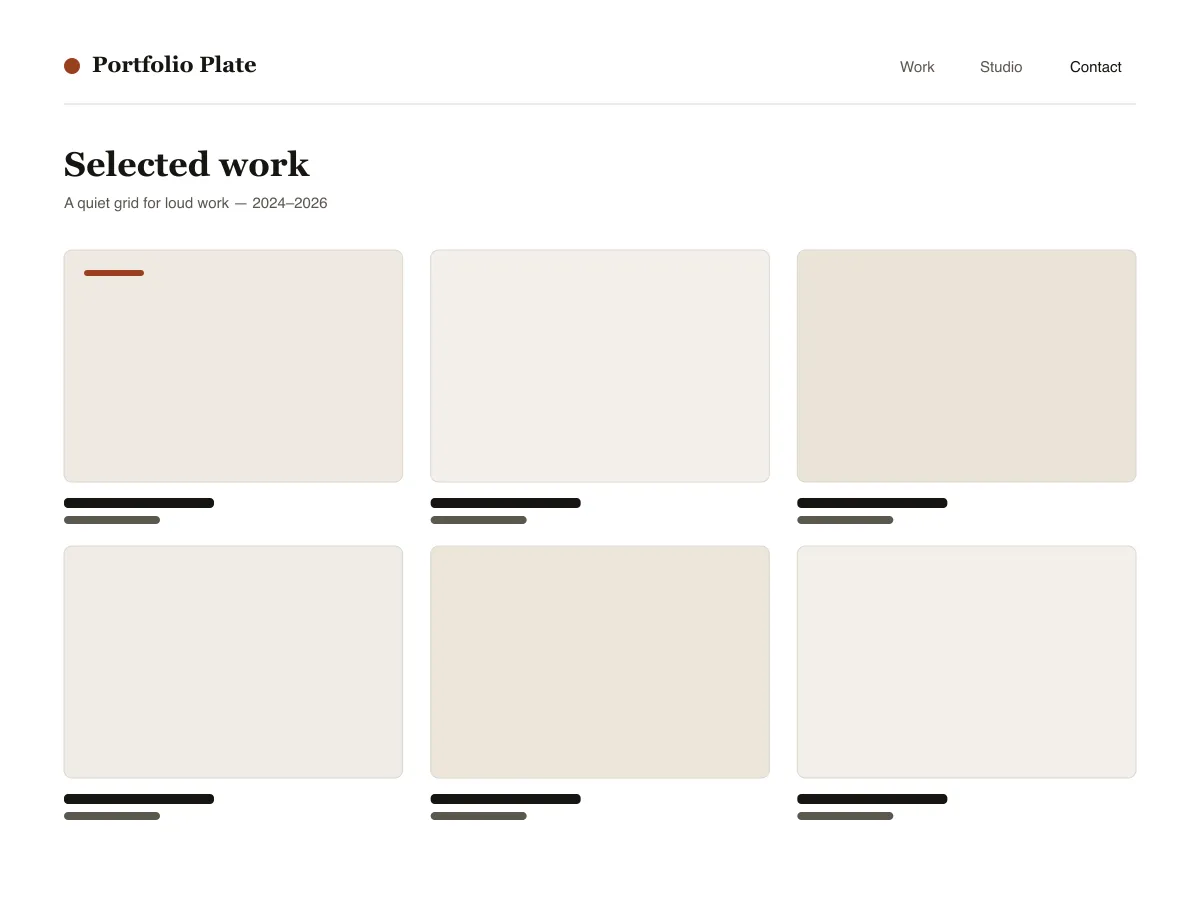
Portfolio Plate is a block theme for showing visual work. Each project is an ordinary post with a featured image: the home and archive pages show those images as a grid of 4:3 tiles that reflows from three columns to one as the screen narrows, and the single-post template shows the image wide, at its own proportions, followed by the text.
Under each project image sits a row of three facts — the date, the category (used as the discipline) and the tags — and previous/next links let visitors move through the work without returning to the grid.
Typography uses system fonts on a six-step fluid scale. The theme ships a dark style variation called Noir and three duotone filters (Ink, Clay and Slate) for making mixed photography look like one set.
Who it suits
Designers, illustrators, photographers and small studios who want their work to fill the screen, and who are happy to publish projects as normal WordPress posts.
چه چیزهایی در Portfolio Plate هست
- شبکهٔ خودتنظیمِ پروژهها: قالب نوشته از چیدمانِ گریدِ theme.json با حداقلِ ستونِ 30rem استفاده میکند، تا آثار بدون حتی یک media query از سهستونه به دوستونه و سپس تکستونه برسند.
- قالب جزئیات پروژه که برای تصاویر بزرگ ساخته شده: تصویر شاخصِ عریض (alignwide) با نسبت طبیعی خودش نمایش داده میشود (هرگز بهاجبار برش نمیخورد)، یک ردیفِ سهستونهٔ مشخصات پروژه (تاریخ انتشار / رشته / برچسبها) و ناوبریِ پروژهٔ قبلی/بعدی.
- تایپوگرافی سیال از clampهای theme.json (شش گام، از کوچک تا نمایشی) صرفاً روی مجموعهفونتهای سیستمی — یک سریف برای عنوانها و یک سنسسریفِ خنثی برای عناصر رابط و فرادادها. صفر درخواستِ فونت بیرونی یا CDN.
- گونهٔ استایل تیرهٔ Noir همراهشده (styles/noir.json) بهعلاوهٔ سه پیشتنظیمِ دوتایی (Ink، Clay، Slate) تا گالریهایی از عکسهای با منابع گوناگون با یک کلیک یکدست شوند.
- دسترسپذیری: هر جفترنگِ پالت استانداردِ WCAG AA را برآورده میکند، یک حلقهٔ نمایانِ :focus-visible روی همهٔ عناصر تعاملی، پیوند پرشِ استایلدار و نشانههای معناییِ header/main/footer از طریق tagNameِ بخشهای قالب.
- Three block styles registered with inline_style so their CSS only ships when used: Framed image, Panel group, Underline on hover for post titles.
Portfolio Plate at a glance
- Theme type
- Block theme (edited in the Site Editor)
- Current version
- 1.0.0
- First published
- ۲۳ تیر ۱۴۰۵
- Requires WordPress
- 6.6
- Tested up to WordPress
- 6.8
- Requires PHP
- 7.4
Requirements come from the theme's own style.css. Checked on ۶ آبان ۱۴۰۵.
Good to know before you install
- This theme is downloaded from this site, not from the WordPress.org directory, so WordPress will not show an update notice for it. Check this page for new versions.
- There is no separate “project” post type; projects are standard posts, so they also appear in your RSS feed.
- Grid tiles crop featured images to 4:3. The single-post page shows the full image uncropped.
گامهای بعدی
ابزارهای رایگان برای راهاندازی سایت شما
سازنده theme.json برای WordPress
یک theme.json معتبر بسازید — و ببینید کدام نیمه واقعاً سایت شما را تغییر میدهد.
باز کردن ابزارآزمایشگاه اندازهٔ تصویر وردپرس
یک تصویر را رها کنید. همهٔ نسخههایی را که وردپرس از آن میسازد ببینید.
باز کردن ابزارسازندهٔ .htaccess وردپرس
قواعدی که وردپرس به آنها نیاز دارد، بهعلاوهٔ قواعد امنسازی که بهصورت پیشفرض همراهش نمیآیند
باز کردن ابزارمرتبط
قالبهای دیگری که ممکن است بپسندید
پرسشهای متداول
پرسشهای Portfolio Plate
What does Portfolio Plate need to run?
WordPress 6.6 or later and PHP 7.4 or later, according to its style.css, which also says it was tested up to WordPress 6.8. The current version is 1.0.0.
How do I add a project to Portfolio Plate?
Publish a normal post, set a featured image, give it a category (shown as the discipline) and tags. The post appears in the grid on the homepage and archives, and its own page uses the project layout.
Will Portfolio Plate crop my images?
In the grid, yes: tiles use a 4:3 aspect ratio. On the project page the featured image is shown wide at its natural ratio, without cropping.
Is there a dark version of Portfolio Plate?
Yes. Appearance → Editor → Styles lists the bundled Noir variation. Selecting it switches the whole site to a dark palette; there is no automatic switch based on the visitor's system setting.
Can I remove the Portfolio Plate footer credit?
Yes. Edit the Footer template part under Appearance → Editor → Patterns, delete the credit paragraph and save. Nothing depends on it.