Quietypeقالب وبلاگی مینیمال WordPress
پوستهای که از سر راه جمله کنار میرود.
What Quietype is for
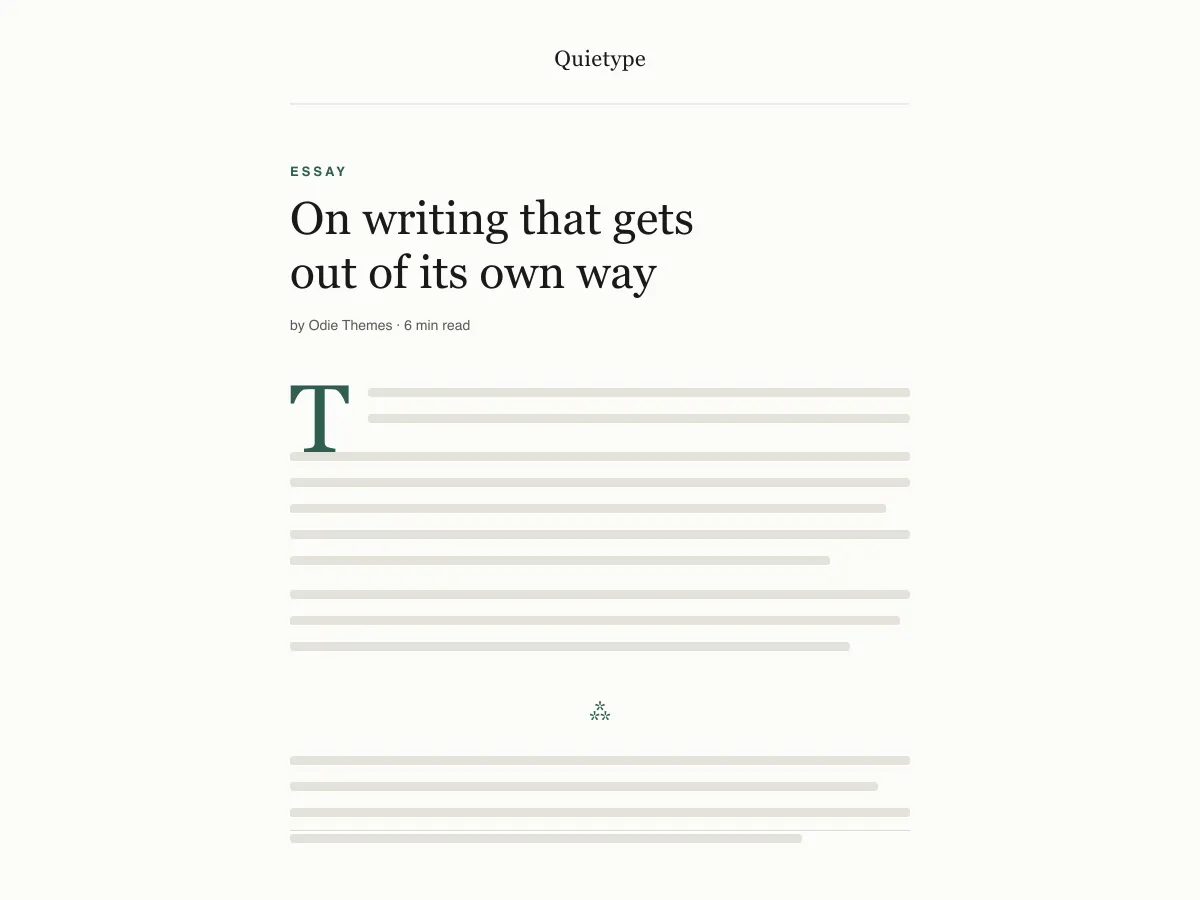
Quietype is a block theme for people who mostly write: essays, newsletters, personal blogs. Every template is a single column capped at 42rem — roughly sixty-eight characters a line — with no sidebar and no widget areas, so a post page is the post and little else.
Typography uses system font stacks and a fluid size scale, so text renders on the first paint without downloading a font. A second palette switches on automatically when a visitor's device is set to dark mode, and printing a post strips the navigation and spells out link addresses.
It ships five templates (index, single, page, archive, 404), two template parts (header and footer) and four block styles. There are no patterns to learn and no settings screen; design changes happen in Appearance → Editor.
Who it suits
Writers who want long posts to read comfortably on any screen, and who would rather have no sidebar, no widgets and no third-party requests than a page full of options.
چه چیزهایی در Quietype هست
- عرض متنِ خواندن روی حدود 68 کاراکتر (contentSize برابر 42rem) قفل شده، با ارتفاع خط 1.7 و یک مقیاس تایپ سیال با clamp() از زیرنویسهای 13px تا اندازهٔ نمایشی 52px.
- حالت روشن/تاریک خودکار: هر رنگ در theme.json بهصورت یک ویژگی سفارشیِ از پیش تعریفشده (preset) ارجاع داده میشود، بنابراین یک بازنویسی تکِ prefers-color-scheme کل سایت و بوم ویرایشگر را جابهجا میکند. هر دو پالت رنگ، الزامات WCAG AA را برآورده میکنند.
- صفر فراخوانی شبکه: فقط پشتههای فونت سیستمی سریف، سَنسریف و مونو. بدون Google Fonts، بدون CDN آیکون، بدون افزونهٔ همراه، بدون فروش نسخهٔ پولی، بدون ردیابی.
- آمادهٔ دسترسپذیری: پیوند پرش هسته (هر قالب یک نشانهٔ <main> واقعی را نمایان میکند)، خطوط دور :focus-visible با یک جایگزین :focus، برچسبهای معنایی header/main/article/footer و مدیریت prefers-reduced-motion.
- چهار سبک بلوک سفارشی که برای مقالهها ساخته شدهاند: جداکنندههای Hairline و Asterism، یک تصویر قابدار (Framed) و یک نقلقول ساده (Plain) بدون خط — بهعلاوهٔ یک حرف نخست بزرگ (drop cap) که واقعاً روی خط پایه (baseline) مینشیند.
- شیوهنامهٔ چاپ که عناصر رابط را حذف و نشانی پیوندها را در متن جاری نمایان میکند، چون خوانندگانِ متنهای بلند هنوز چاپ میگیرند.
Quietype at a glance
- Theme type
- Block theme (edited in the Site Editor)
- Current version
- 1.0.0
- First published
- ۲۳ تیر ۱۴۰۵
- Requires WordPress
- 6.5
- Tested up to WordPress
- 6.8
- Requires PHP
- 7.4
Requirements come from the theme's own style.css. Checked on ۶ آبان ۱۴۰۵.
Good to know before you install
- This theme is downloaded from this site, not from the WordPress.org directory, so WordPress will not show an update notice for it. Check this page for new versions.
- Dark mode follows the visitor's system setting. There is no on-page toggle.
- There is no search template; search results use the index template.
گامهای بعدی
ابزارهای رایگان برای راهاندازی سایت شما
سازنده theme.json برای WordPress
یک theme.json معتبر بسازید — و ببینید کدام نیمه واقعاً سایت شما را تغییر میدهد.
باز کردن ابزارآزمایشگاه اندازهٔ تصویر وردپرس
یک تصویر را رها کنید. همهٔ نسخههایی را که وردپرس از آن میسازد ببینید.
باز کردن ابزارسازندهٔ .htaccess وردپرس
قواعدی که وردپرس به آنها نیاز دارد، بهعلاوهٔ قواعد امنسازی که بهصورت پیشفرض همراهش نمیآیند
باز کردن ابزارمرتبط
قالبهای دیگری که ممکن است بپسندید
پرسشهای متداول
پرسشهای Quietype
What does Quietype need to run?
WordPress 6.5 or later and PHP 7.4 or later, according to its style.css, which also says it was tested up to WordPress 6.8. The current version is 1.0.0.
Does Quietype load any external fonts or scripts?
No. It enqueues only its own stylesheet and uses system serif, sans-serif and monospace font stacks, so it makes no requests to Google Fonts or any other CDN.
How does the Quietype dark mode work?
It follows the visitor's operating-system preference through a prefers-color-scheme media query, which swaps the palette for the site and the editor canvas. There is no toggle button. Text colours in both palettes measure above the WCAG AA contrast ratio of 4.5:1 against their backgrounds.
Can I add a sidebar or widgets to Quietype?
Not out of the box — the layout is deliberately one column and the theme registers no widget areas. You can add blocks to the header or footer template parts in the Site Editor, but a sidebar works against what the theme is for.
Can I remove the Quietype footer credit?
Yes. Open Appearance → Editor → Patterns → Template Parts → Footer, delete the paragraph with the credit and save. Nothing depends on it.