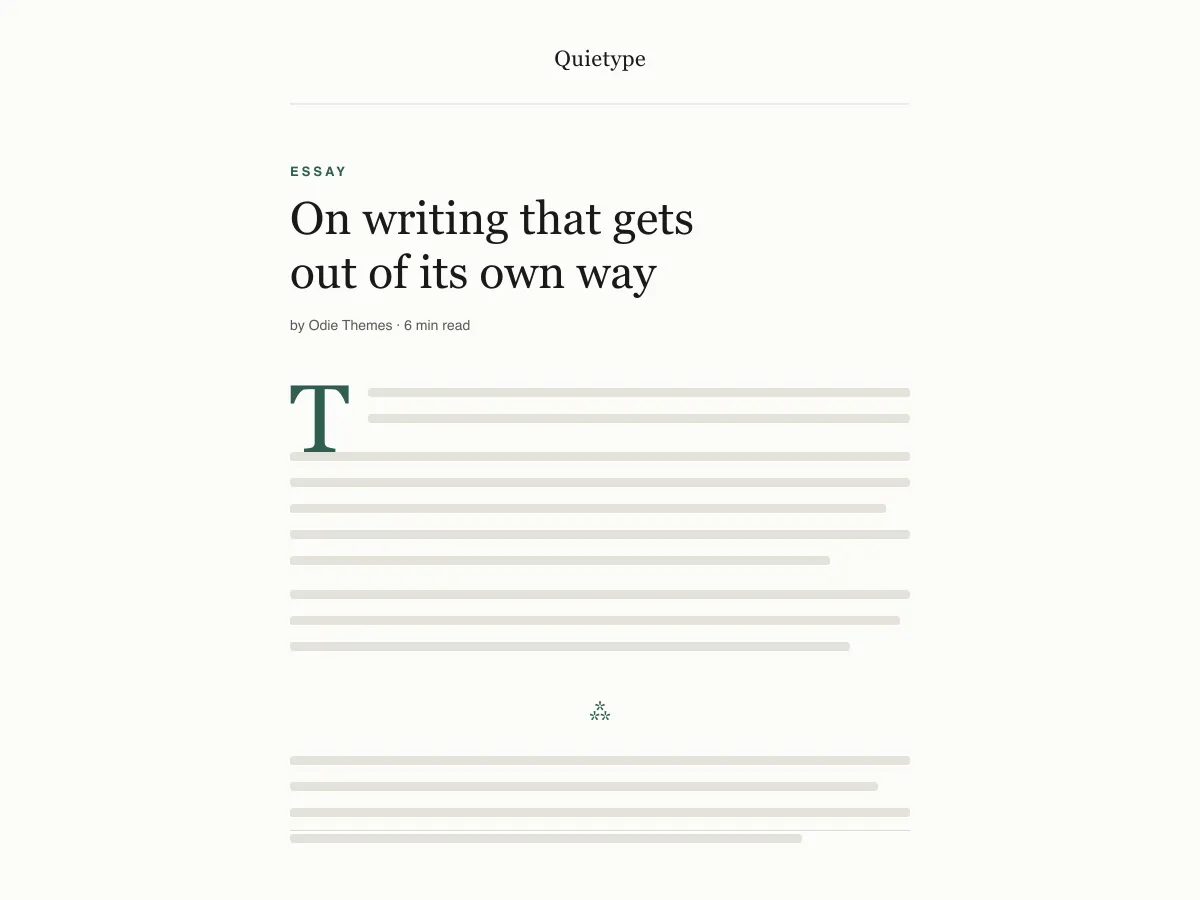
What Quietype is for
Quietype is a block theme for people who mostly write: essays, newsletters, personal blogs. Every template is a single column capped at 42rem — roughly sixty-eight characters a line — with no sidebar and no widget areas, so a post page is the post and little else.
Typography uses system font stacks and a fluid size scale, so text renders on the first paint without downloading a font. A second palette switches on automatically when a visitor's device is set to dark mode, and printing a post strips the navigation and spells out link addresses.
It ships five templates (index, single, page, archive, 404), two template parts (header and footer) and four block styles. There are no patterns to learn and no settings screen; design changes happen in Appearance → Editor.
Who it suits
Writers who want long posts to read comfortably on any screen, and who would rather have no sidebar, no widgets and no third-party requests than a page full of options.
Quietype içinde neler var
- Okuma ölçüsü ~68 karaktere sabitlenmiştir (42rem contentSize); 1.7 satır yüksekliği ve 13px'lik alt yazılardan 52px'lik display boyutuna uzanan akışkan bir clamp() tipografik ölçeğiyle birlikte.
- Otomatik açık/karanlık mod: theme.json içindeki her renk, bir ön ayar özel özelliği (preset custom property) olarak referanslanır; böylece tek bir prefers-color-scheme geçersiz kılması tüm siteyi ve editör tuvalini değiştirir. Her iki palet de WCAG AA'yı geçer.
- Sıfır ağ isteği: yalnızca sistem serif, sans ve mono yığınları. Google Fonts yok, ikon CDN'i yok, paketlenmiş eklenti yok, ek satış yok, takip yok.
- Erişilebilirliğe hazır: çekirdek atlama bağlantısı (her şablon gerçek bir <main> işaret noktası sunar), :focus yedeğiyle birlikte :focus-visible dış çizgileri, anlamsal header/main/article/footer etiketleri ve prefers-reduced-motion desteği.
- Denemeler için tasarlanmış dört özel blok stili: Hairline ve Asterism ayırıcıları, Çerçeveli bir görsel ve Sade (çizgisiz) bir alıntı — ayrıca gerçekten taban çizgisine oturan bir drop cap.
- Arayüz öğelerini kaldıran ve akan metindeki bağlantı URL'lerini açık hâle getiren yazdırma stil sayfası; çünkü uzun metin okuyucuları hâlâ çıktı alıyor.
Quietype at a glance
- Theme type
- Block theme (edited in the Site Editor)
- Current version
- 1.0.0
- First published
- 14 Temmuz 2026
- Requires WordPress
- 6.5
- Tested up to WordPress
- 6.8
- Requires PHP
- 7.4
Requirements come from the theme's own style.css. Checked on 28 Ekim 2026.
Good to know before you install
- This theme is downloaded from this site, not from the WordPress.org directory, so WordPress will not show an update notice for it. Check this page for new versions.
- Dark mode follows the visitor's system setting. There is no on-page toggle.
- There is no search template; search results use the index template.
Sonraki adımlar
Sitenizi kurmak için ücretsiz araçlar
WordPress theme.json Oluşturucu
Geçerli bir theme.json oluşturun — ve hangi yarısının sitenizi gerçekten değiştirdiğini görün.
Aracı açWordPress Görsel Boyut Laboratuvarı
Bir görsel bırakın. WordPress'in ondan üreteceği her kopyayı görün.
Aracı açWordPress .htaccess Oluşturucu
WordPress'in ihtiyaç duyduğu kurallar ve varsayılan olarak gelmeyen güvenlik sıkılaştırma kuralları
Aracı açİlgili
Beğenebileceğiniz diğer temalar
SSS
Quietype soruları
What does Quietype need to run?
WordPress 6.5 or later and PHP 7.4 or later, according to its style.css, which also says it was tested up to WordPress 6.8. The current version is 1.0.0.
Does Quietype load any external fonts or scripts?
No. It enqueues only its own stylesheet and uses system serif, sans-serif and monospace font stacks, so it makes no requests to Google Fonts or any other CDN.
How does the Quietype dark mode work?
It follows the visitor's operating-system preference through a prefers-color-scheme media query, which swaps the palette for the site and the editor canvas. There is no toggle button. Text colours in both palettes measure above the WCAG AA contrast ratio of 4.5:1 against their backgrounds.
Can I add a sidebar or widgets to Quietype?
Not out of the box — the layout is deliberately one column and the theme registers no widget areas. You can add blocks to the header or footer template parts in the Site Editor, but a sidebar works against what the theme is for.
Can I remove the Quietype footer credit?
Yes. Open Appearance → Editor → Patterns → Template Parts → Footer, delete the paragraph with the credit and save. Nothing depends on it.