QuietypeTemă WordPress minimalistă pentru blog
O temă care se dă la o parte din calea frazei.
What Quietype is for
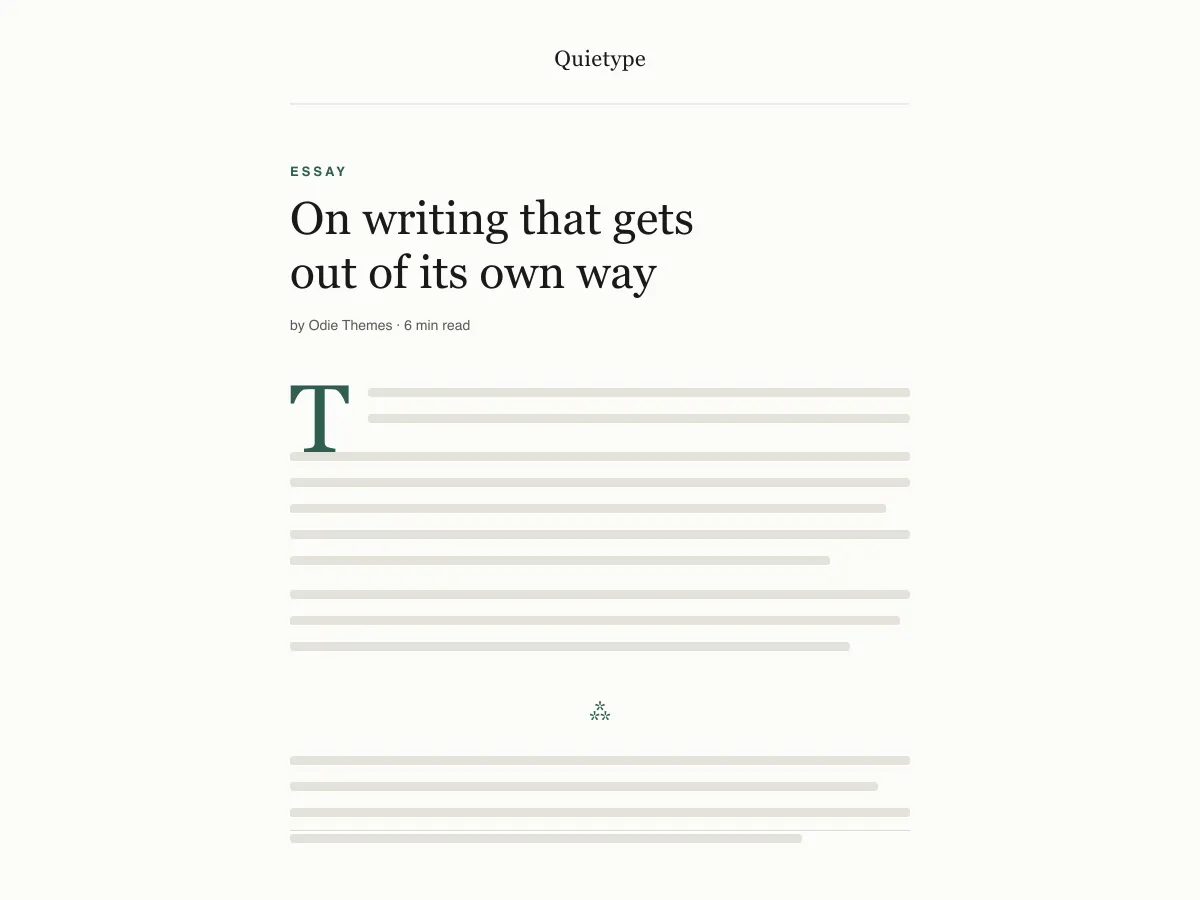
Quietype is a block theme for people who mostly write: essays, newsletters, personal blogs. Every template is a single column capped at 42rem — roughly sixty-eight characters a line — with no sidebar and no widget areas, so a post page is the post and little else.
Typography uses system font stacks and a fluid size scale, so text renders on the first paint without downloading a font. A second palette switches on automatically when a visitor's device is set to dark mode, and printing a post strips the navigation and spells out link addresses.
It ships five templates (index, single, page, archive, 404), two template parts (header and footer) and four block styles. There are no patterns to learn and no settings screen; design changes happen in Appearance → Editor.
Who it suits
Writers who want long posts to read comfortably on any screen, and who would rather have no sidebar, no widgets and no third-party requests than a page full of options.
Ce include Quietype
- Lățime de rând fixată la ~68 de caractere (42rem contentSize), cu o înălțime a rândului de 1.7 și o scară tipografică fluidă clamp(), de la legende de 13px până la o dimensiune de afișare de 52px.
- Mod luminos/întunecat automat: fiecare culoare din theme.json este referențiată ca proprietate personalizată presetată, așa că o singură suprascriere prefers-color-scheme schimbă întregul site și pânza editorului. Ambele palete respectă WCAG AA.
- Zero apeluri de rețea: doar stive de fonturi de sistem serif, sans și mono. Fără Google Fonts, fără CDN de pictograme, fără plugin inclus, fără vânzări suplimentare, fără urmărire.
- Pregătită pentru accesibilitate: link de salt din nucleu (fiecare șablon expune un reper <main> real), contururi :focus-visible cu o soluție de rezervă :focus, etichete semantice header/main/article/footer și gestionarea prefers-reduced-motion.
- Patru stiluri de blocuri personalizate create pentru eseuri: separatoare Hairline și Asterism, o imagine Framed și un citat Plain (fără linie) — plus o majusculă inițială care stă cu adevărat pe linia de bază.
- Foaie de stil pentru tipărire care elimină elementele de interfață și afișează adresele URL ale linkurilor în textul curent, pentru că cititorii de conținut lung tot mai tipăresc.
Quietype at a glance
- Theme type
- Block theme (edited in the Site Editor)
- Current version
- 1.0.0
- First published
- 14 iulie 2026
- Requires WordPress
- 6.5
- Tested up to WordPress
- 6.8
- Requires PHP
- 7.4
Requirements come from the theme's own style.css. Checked on 28 octombrie 2026.
Good to know before you install
- This theme is downloaded from this site, not from the WordPress.org directory, so WordPress will not show an update notice for it. Check this page for new versions.
- Dark mode follows the visitor's system setting. There is no on-page toggle.
- There is no search template; search results use the index template.
Pașii următori
Instrumente gratuite pentru a-ți configura site-ul
Generator theme.json pentru WordPress
Construiește un fișier theme.json valid — și vezi care jumătate îți schimbă efectiv site-ul.
Deschide instrumentulLaborator de dimensiuni de imagini WordPress
Adaugă o imagine. Vezi fiecare copie pe care o va face WordPress din ea.
Deschide instrumentulGenerator .htaccess pentru WordPress
Regulile de care WordPress are nevoie, plus regulile de securizare care nu vin implicit
Deschide instrumentulSimilare
Alte teme care ți-ar putea plăcea
Întrebări frecvente
Întrebări despre Quietype
What does Quietype need to run?
WordPress 6.5 or later and PHP 7.4 or later, according to its style.css, which also says it was tested up to WordPress 6.8. The current version is 1.0.0.
Does Quietype load any external fonts or scripts?
No. It enqueues only its own stylesheet and uses system serif, sans-serif and monospace font stacks, so it makes no requests to Google Fonts or any other CDN.
How does the Quietype dark mode work?
It follows the visitor's operating-system preference through a prefers-color-scheme media query, which swaps the palette for the site and the editor canvas. There is no toggle button. Text colours in both palettes measure above the WCAG AA contrast ratio of 4.5:1 against their backgrounds.
Can I add a sidebar or widgets to Quietype?
Not out of the box — the layout is deliberately one column and the theme registers no widget areas. You can add blocks to the header or footer template parts in the Site Editor, but a sidebar works against what the theme is for.
Can I remove the Quietype footer credit?
Yes. Open Appearance → Editor → Patterns → Template Parts → Footer, delete the paragraph with the credit and save. Nothing depends on it.