QuietypeMinimal WordPress Blog Theme
A theme that gets out of the way of the sentence.
What Quietype is for
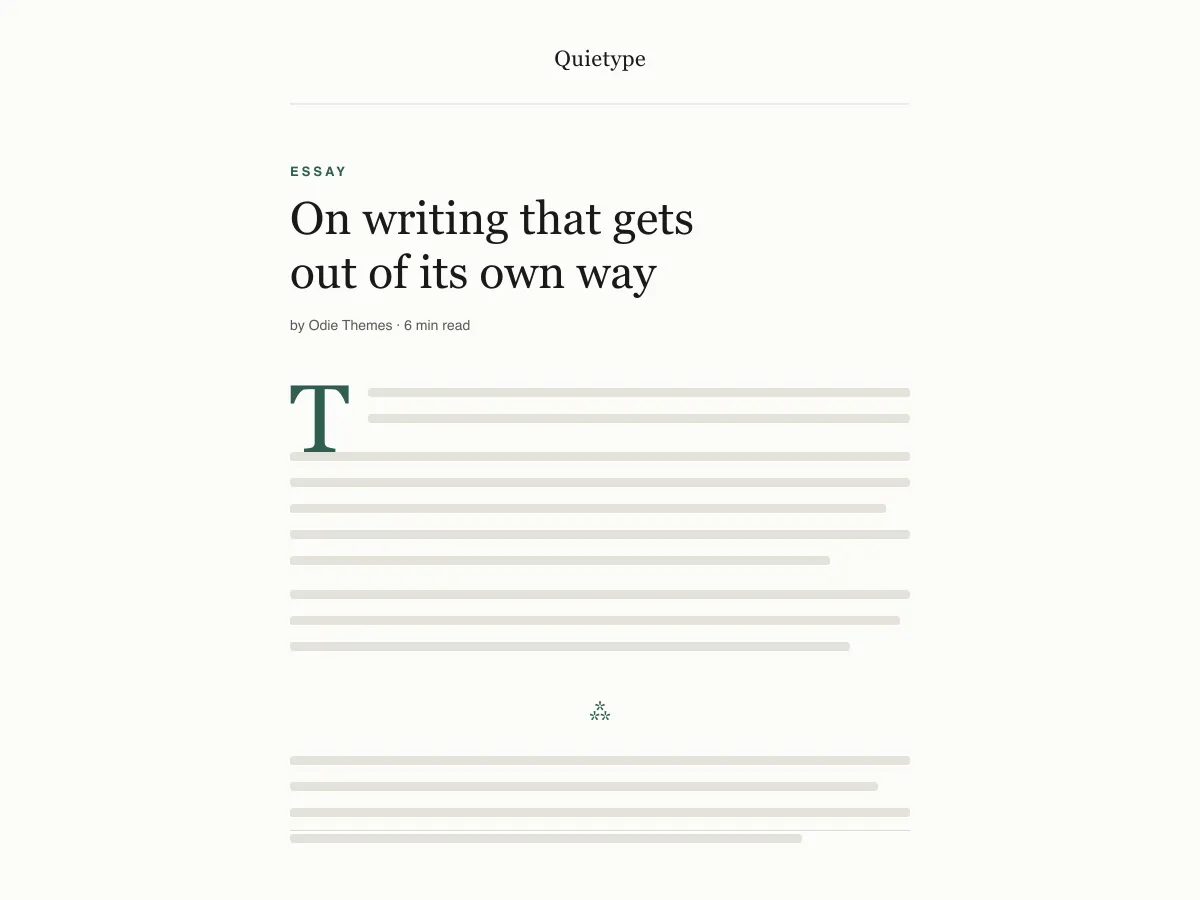
Quietype is a block theme for people who mostly write: essays, newsletters, personal blogs. Every template is a single column capped at 42rem — roughly sixty-eight characters a line — with no sidebar and no widget areas, so a post page is the post and little else.
Typography uses system font stacks and a fluid size scale, so text renders on the first paint without downloading a font. A second palette switches on automatically when a visitor's device is set to dark mode, and printing a post strips the navigation and spells out link addresses.
It ships five templates (index, single, page, archive, 404), two template parts (header and footer) and four block styles. There are no patterns to learn and no settings screen; design changes happen in Appearance → Editor.
Who it suits
Writers who want long posts to read comfortably on any screen, and who would rather have no sidebar, no widgets and no third-party requests than a page full of options.
What's in Quietype
- Reading measure locked to ~68 characters (42rem contentSize) with 1.7 line height and a fluid clamp() type scale from 13px captions to a 52px display size.
- Automatic light/dark mode: every colour in theme.json is referenced as a preset custom property, so a single prefers-color-scheme override flips the whole site and the editor canvas. Both palettes pass WCAG AA.
- Zero network calls: system serif, sans and mono stacks only. No Google Fonts, no icon CDN, no bundled plugin, no upsell, no tracking.
- Accessibility-ready: core skip link (every template exposes a real <main> landmark), :focus-visible outlines with a :focus fallback, semantic header/main/article/footer tags, and prefers-reduced-motion handling.
- Four custom block styles built for essays: Hairline and Asterism separators, a Framed image, and a Plain (rule-less) quote — plus a drop cap that actually sits on the baseline.
- Print stylesheet that strips the chrome and expands link URLs in the running text, because long-form readers still print.
Quietype at a glance
- Theme type
- Block theme (edited in the Site Editor)
- Current version
- 1.0.0
- First published
- July 14, 2026
- Requires WordPress
- 6.5
- Tested up to WordPress
- 6.8
- Requires PHP
- 7.4
Requirements come from the theme's own style.css. Checked on October 28, 2026.
Good to know before you install
- This theme is downloaded from this site, not from the WordPress.org directory, so WordPress will not show an update notice for it. Check this page for new versions.
- Dark mode follows the visitor's system setting. There is no on-page toggle.
- There is no search template; search results use the index template.
Next steps
Free tools to set up your site
WordPress theme.json Generator
Build a valid theme.json — and see which half actually changes your site.
Open toolWordPress Image Size Lab
Drop an image in. See every copy WordPress will make of it.
Open toolWordPress .htaccess Generator
The rules WordPress needs, plus the hardening rules it does not ship with
Open toolRelated
Other themes you might like
FAQ
Quietype questions
What does Quietype need to run?
WordPress 6.5 or later and PHP 7.4 or later, according to its style.css, which also says it was tested up to WordPress 6.8. The current version is 1.0.0.
Does Quietype load any external fonts or scripts?
No. It enqueues only its own stylesheet and uses system serif, sans-serif and monospace font stacks, so it makes no requests to Google Fonts or any other CDN.
How does the Quietype dark mode work?
It follows the visitor's operating-system preference through a prefers-color-scheme media query, which swaps the palette for the site and the editor canvas. There is no toggle button. Text colours in both palettes measure above the WCAG AA contrast ratio of 4.5:1 against their backgrounds.
Can I add a sidebar or widgets to Quietype?
Not out of the box — the layout is deliberately one column and the theme registers no widget areas. You can add blocks to the header or footer template parts in the Site Editor, but a sidebar works against what the theme is for.
Can I remove the Quietype footer credit?
Yes. Open Appearance → Editor → Patterns → Template Parts → Footer, delete the paragraph with the credit and save. Nothing depends on it.